Install on every agent
One command installs Ice into the agents on your machine. The big agents also get a native plugin path, and every agent has its own page with its exact command.

Pick your agent
Each agent gets its own exact command. Pick yours, copy, then check that it worked.
Claude Code
Install
Add the plugin from the terminal
claude plugin marketplace add Omar-Tnzxo/ice-motion-director claude plugin install ice-motion-director@ice-motion-director Or inside a session
/plugin marketplace add Omar-Tnzxo/ice-motion-director /plugin install ice-motion-director@ice-motion-director Or as skills, with no plugin
npx skills add Omar-Tnzxo/ice-motion-director -a claude-code Check that it worked
Start a new session in Claude Code and type
/ice-motion-director:ice-status. Ice answers with the ten stages and the command to run next.Installed with
npx skills?npx skills listshows every Ice skill it put in place; add-gfor the ones installed for every project.Nothing happens? Close the agent and open it again: most agents read new skills only when a session starts.
Claude.ai and Claude Desktop
Install
Turn on code execution
In Settings > Capabilities, turn on Code execution and file creation.
Add the marketplace
Open Customize > Plugins > Add > Add marketplace and enter
Omar-Tnzxo/ice-motion-director.Check that it worked
Start a new chat in Claude.ai and Claude Desktop and say "show the Ice status". Ice answers with the ten stages and what comes next.
Nothing happens? Close the agent and open it again: most agents read new skills only when a session starts.
Codex
Install
Add the plugin
codex plugin marketplace add Omar-Tnzxo/ice-motion-director codex plugin add ice-motion-director@ice-motion-director Or from inside Codex
Run
/pluginsin Codex and install it from there, then start a new session. In the Codex app, use the Plugins tab.Check that it worked
Start a new session in Codex and type
$ice-status. Ice answers with the ten stages and the command to run next.Nothing happens? Close the agent and open it again: most agents read new skills only when a session starts.
Cursor
Install
npx skills add Omar-Tnzxo/ice-motion-director -a cursor Check that it worked
Start a new session in Cursor and type
/ice-status. Ice answers with the ten stages and the command to run next.Installed with
npx skills?npx skills listshows every Ice skill it put in place; add-gfor the ones installed for every project.Nothing happens? Close the agent and open it again: most agents read new skills only when a session starts.
Gemini CLI
Install
gemini extensions install https://github.com/ Omar-Tnzxo/ ice-motion-director Check that it worked
Start a new session in Gemini CLI and type
/ice-status. Ice answers with the ten stages and the command to run next.Nothing happens? Close the agent and open it again: most agents read new skills only when a session starts.
Antigravity
Install
Antigravity CLI
agy plugin install https://github.com/ Omar-Tnzxo/ ice-motion-director Antigravity app and IDE
npx skills add Omar-Tnzxo/ice-motion-director -a antigravity Check that it worked
Start a new session in Antigravity and type
/ice-status. Ice answers with the ten stages and the command to run next.Installed with
npx skills?npx skills listshows every Ice skill it put in place; add-gfor the ones installed for every project.Nothing happens? Close the agent and open it again: most agents read new skills only when a session starts.
GitHub Copilot
Install
Copilot CLI
copilot plugin marketplace add Omar-Tnzxo/ice-motion-director copilot plugin install ice-motion-director@ice-motion-director VS Code
Command Palette, Chat: Install Plugin From Source, paste
https://github.com/Omar-Tnzxo/ice-motion-director.Check that it worked
Start a new session in GitHub Copilot and type
/ice-status. Ice answers with the ten stages and the command to run next.Nothing happens? Close the agent and open it again: most agents read new skills only when a session starts.
Qwen Code
Install
qwen extensions install Omar-Tnzxo/ice-motion-director Check that it worked
Start a new session in Qwen Code and type
/ice-status. Ice answers with the ten stages and the command to run next.Nothing happens? Close the agent and open it again: most agents read new skills only when a session starts.
Cline
Install
npx skills add Omar-Tnzxo/ice-motion-director -a cline Check that it worked
Start a new session in Cline and type
/ice-status. Ice answers with the ten stages and the command to run next.Installed with
npx skills?npx skills listshows every Ice skill it put in place; add-gfor the ones installed for every project.Nothing happens? Close the agent and open it again: most agents read new skills only when a session starts.
Kiro
Install
npx skills add Omar-Tnzxo/ice-motion-director -a kiro-cli Check that it worked
Start a new session in Kiro and type
/ice-status. Ice answers with the ten stages and the command to run next.Installed with
npx skills?npx skills listshows every Ice skill it put in place; add-gfor the ones installed for every project.Nothing happens? Close the agent and open it again: most agents read new skills only when a session starts.
OpenCode
Install
npx skills add Omar-Tnzxo/ice-motion-director -a opencode Check that it worked
Start a new session in OpenCode and type
/ice-status. Ice answers with the ten stages and the command to run next.Installed with
npx skills?npx skills listshows every Ice skill it put in place; add-gfor the ones installed for every project.Nothing happens? Close the agent and open it again: most agents read new skills only when a session starts.
Windsurf
Install
npx skills add Omar-Tnzxo/ice-motion-director -a windsurf Check that it worked
Start a new chat in Windsurf and say "show the Ice status". Ice answers with the ten stages and what comes next.
Installed with
npx skills?npx skills listshows every Ice skill it put in place; add-gfor the ones installed for every project.Nothing happens? Close the agent and open it again: most agents read new skills only when a session starts.
Roo Code
Install
npx skills add Omar-Tnzxo/ice-motion-director -a roo Check that it worked
Start a new chat in Roo Code and say "show the Ice status". Ice answers with the ten stages and what comes next.
Installed with
npx skills?npx skills listshows every Ice skill it put in place; add-gfor the ones installed for every project.Nothing happens? Close the agent and open it again: most agents read new skills only when a session starts.
Kilo Code
Install
npx skills add Omar-Tnzxo/ice-motion-director -a kilo Check that it worked
Start a new chat in Kilo Code and say "show the Ice status". Ice answers with the ten stages and what comes next.
Installed with
npx skills?npx skills listshows every Ice skill it put in place; add-gfor the ones installed for every project.Nothing happens? Close the agent and open it again: most agents read new skills only when a session starts.
Amp
Install
npx skills add Omar-Tnzxo/ice-motion-director -a amp Check that it worked
Start a new chat in Amp and say "show the Ice status". Ice answers with the ten stages and what comes next.
Installed with
npx skills?npx skills listshows every Ice skill it put in place; add-gfor the ones installed for every project.Nothing happens? Close the agent and open it again: most agents read new skills only when a session starts.
Goose
Install
npx skills add Omar-Tnzxo/ice-motion-director -a goose Check that it worked
Start a new chat in Goose and say "show the Ice status". Ice answers with the ten stages and what comes next.
Installed with
npx skills?npx skills listshows every Ice skill it put in place; add-gfor the ones installed for every project.Nothing happens? Close the agent and open it again: most agents read new skills only when a session starts.
Trae
Install
npx skills add Omar-Tnzxo/ice-motion-director -a trae Check that it worked
Start a new chat in Trae and say "show the Ice status". Ice answers with the ten stages and what comes next.
Installed with
npx skills?npx skills listshows every Ice skill it put in place; add-gfor the ones installed for every project.Nothing happens? Close the agent and open it again: most agents read new skills only when a session starts.
Zed
Install
npx skills add Omar-Tnzxo/ice-motion-director -a zed Check that it worked
Start a new chat in Zed and say "show the Ice status". Ice answers with the ten stages and what comes next.
Installed with
npx skills?npx skills listshows every Ice skill it put in place; add-gfor the ones installed for every project.Nothing happens? Close the agent and open it again: most agents read new skills only when a session starts.
Warp
Install
npx skills add Omar-Tnzxo/ice-motion-director -a warp Check that it worked
Start a new chat in Warp and say "show the Ice status". Ice answers with the ten stages and what comes next.
Installed with
npx skills?npx skills listshows every Ice skill it put in place; add-gfor the ones installed for every project.Nothing happens? Close the agent and open it again: most agents read new skills only when a session starts.
Augment
Install
npx skills add Omar-Tnzxo/ice-motion-director -a augment Check that it worked
Start a new chat in Augment and say "show the Ice status". Ice answers with the ten stages and what comes next.
Installed with
npx skills?npx skills listshows every Ice skill it put in place; add-gfor the ones installed for every project.Nothing happens? Close the agent and open it again: most agents read new skills only when a session starts.
Your pick is remembered on this device.
Any agent
npx skills add Omar-Tnzxo/ice-motion-director It asks two things: which agents to install into, and whether to install for this project only or for every project on your computer. Keep every skill selected: the skills open each other, so picking only some breaks the run. Needs Node 22.20 or newer.
No questions at all: npx skills add Omar-Tnzxo/ice-motion-director -g --all. Update later with npx skills update.
Installer flags
| You want | Add |
|---|---|
| Every agent, every project, no questions | -g --all (the same as -g -s '*' -a '*' -y) |
| Only the agents you name | -s '*' -a claude-code -a cursor (one -a per agent) |
| Every project instead of this one | -g (without it, skills go into the current project) |
| Copies instead of links | --copy (for drives that cannot hold links, such as some network or USB drives) |
| The list of agent names | Pass any unknown name, such as -a help: the tool stops and prints every valid name. |
What your machine needs
Your agent checks these for the route you pick and tells you what is missing, with the one command for your system. Free packages and models a route needs (transcription, stem separation and similar) it installs on its own at pinned versions and names in the delivery note; anything paid or behind an account is asked first. Ideas and scripts need nothing. Lottie needs Node. Every delivered film (films, explainers, remakes and edits) needs Node, FFmpeg, a browser and Python 3 with the quality-check packages: without Python a film can be built but not delivered, because its richness check cannot run.
Picked from this device
Windows
- Node.js (LTS)
winget install --id OpenJS.NodeJS.LTS -e- FFmpeg
winget install --id Gyan.FFmpeg -e- Chrome or Chromium
winget install --id Google.Chrome -e- Python 3
winget install --id Python.Python.3.13 -e
Windows notes
- Every command works the same in PowerShell and cmd.
- If PowerShell says running scripts is disabled, use
npx.cmd skills add, or allow scripts for your user once withSet-ExecutionPolicy -Scope CurrentUser RemoteSigned. --allworks the same in PowerShell and cmd (in cmd,--skill '*'does not work; quote it as--skill "*").- In WSL, install inside WSL only when your agent also runs inside WSL.
macOS
- Node.js (LTS)
brew install node@24 - FFmpeg
brew install ffmpeg- Chrome or Chromium
brew install --cask google-chrome- Python 3
brew install python
Ubuntu or Debian
- Node.js (LTS)
nvm, then nvm install --lts- FFmpeg
sudo apt install ffmpeg- Chrome or Chromium
Chrome .deb or sudo snap install chromium- Python 3
sudo apt install python3 python3-venv
Fedora
- Node.js (LTS)
sudo dnf install nodejs- FFmpeg
sudo dnf install ffmpeg-free- Chrome or Chromium
sudo dnf install chromium- Python 3
sudo dnf install python3
Arch
- Node.js (LTS)
sudo pacman -S nodejs npm- FFmpeg
sudo pacman -S ffmpeg- Chrome or Chromium
sudo pacman -S chromium- Python 3
sudo pacman -S python
Then try it
Start your agent in an empty folder and paste one of these. In Claude Code, put /ice-motion-director:ice in front of it so the director is sure to start. The router picks the workflow, researches first, asks about every open decision (four options each, at most four per message) and runs the ten stages up to a rendered MP4.
Make a 20-second launch film for my note-taking app. Here is the site: <your URL or files>
Cut this podcast recording into three vertical shorts with Arabic captions.
Explain how our refund process works in a 60-second narrated video for new customers.
How the ten stages run: how it works. Questions: FAQ. What changed in each version: CHANGELOG.
Made with Ice
Frames from a real film made from one prompt, with its whole workflow published stage by stage.
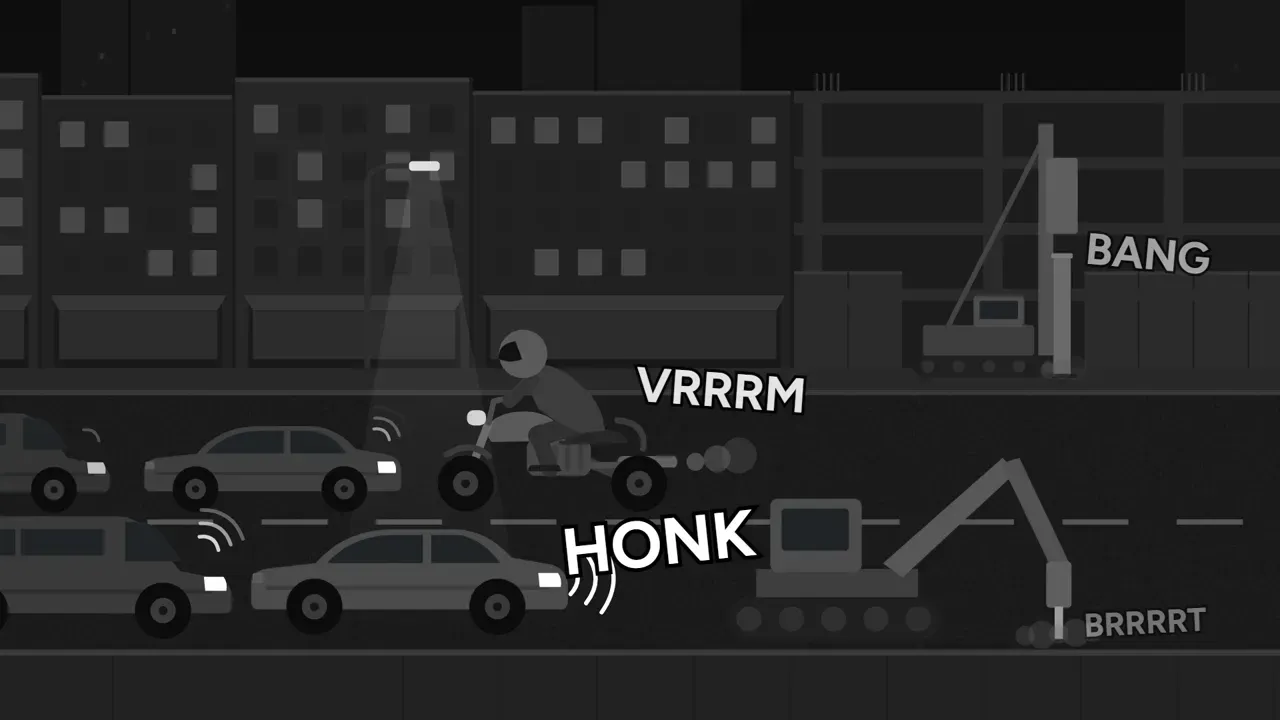
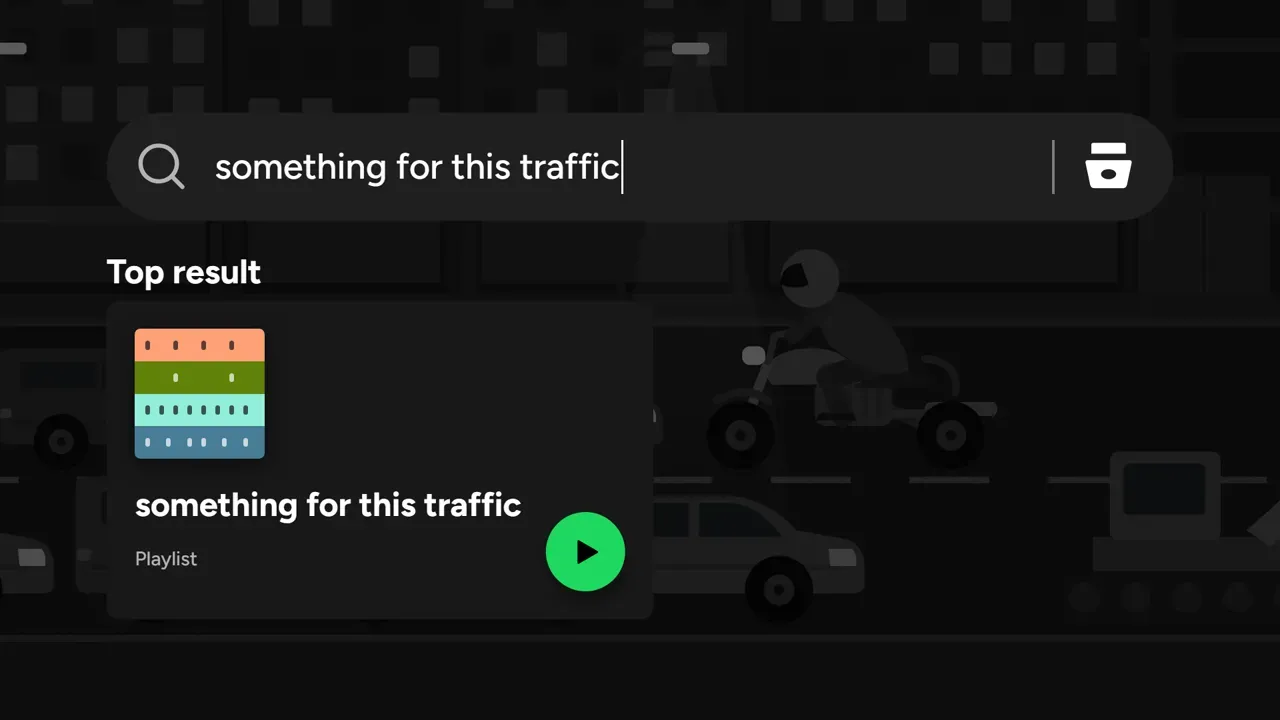

See how it was madeUnofficial concept, not affiliated with Spotify.
Give your agent a director
Paste one line, then ask for a film in plain words. Ice takes it from brief to delivery and shows you its work at every step you want to see.
npx skills add Omar-Tnzxo/ice-motion-director -g --all